The Autonomy Dial / design diagrams
Decision flows, supporting boards and model evidence. All shapes, labels and connected arrows are editable in the native Excalidraw files. Open a downloaded file in Excalidraw to revise it. SVG and PNG exports are ready to share.
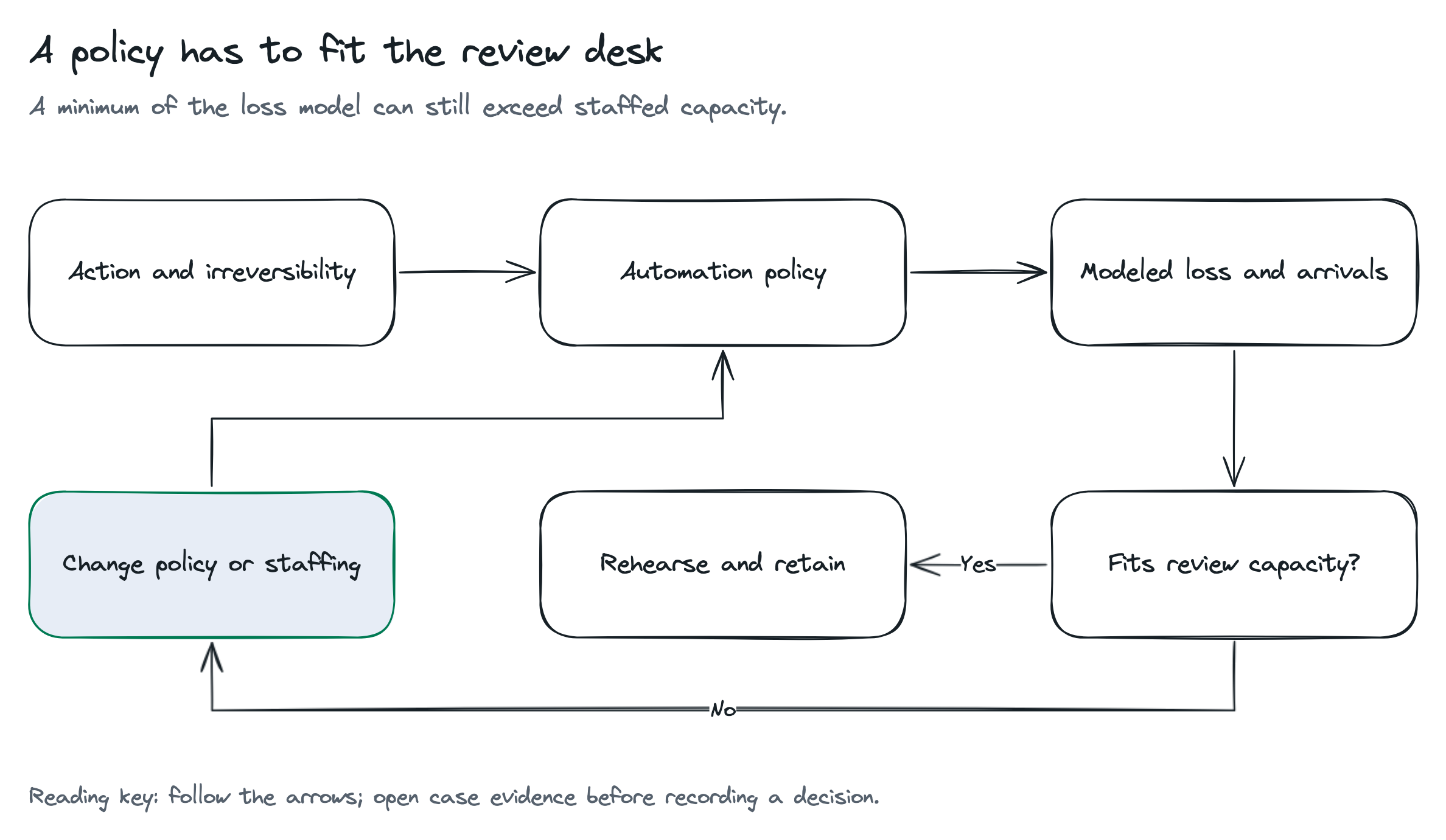
A policy has to fit the review desk
A minimum of the loss model can still exceed staffed capacity.
Read the diagram as text
- Choose the action context and irreversibility
- Policy changes modeled loss and review arrivals
- Staffing defines hourly capacity
- Compare the modeled minimum with capacity
- Rehearse and retain a feasible policy
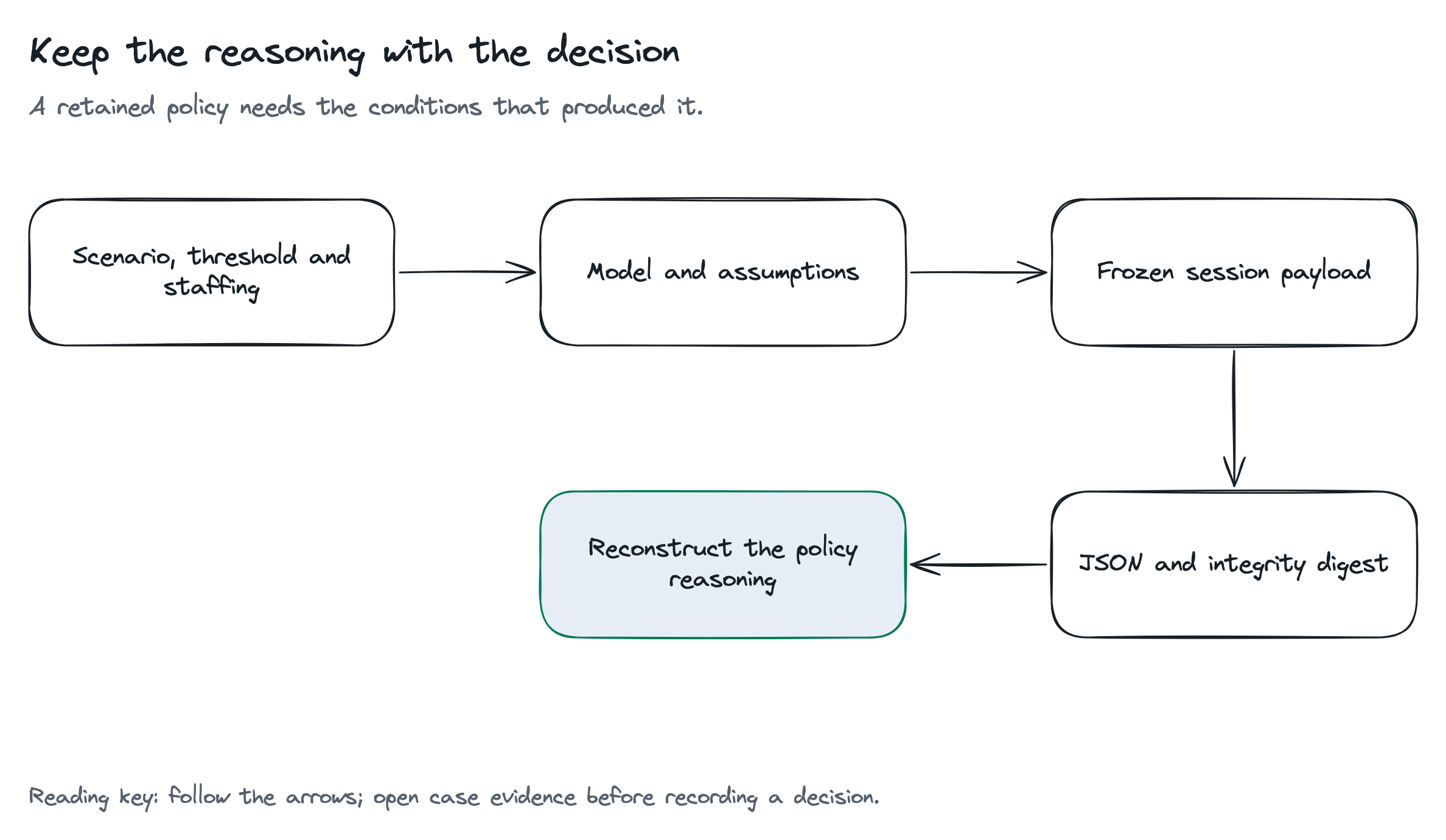
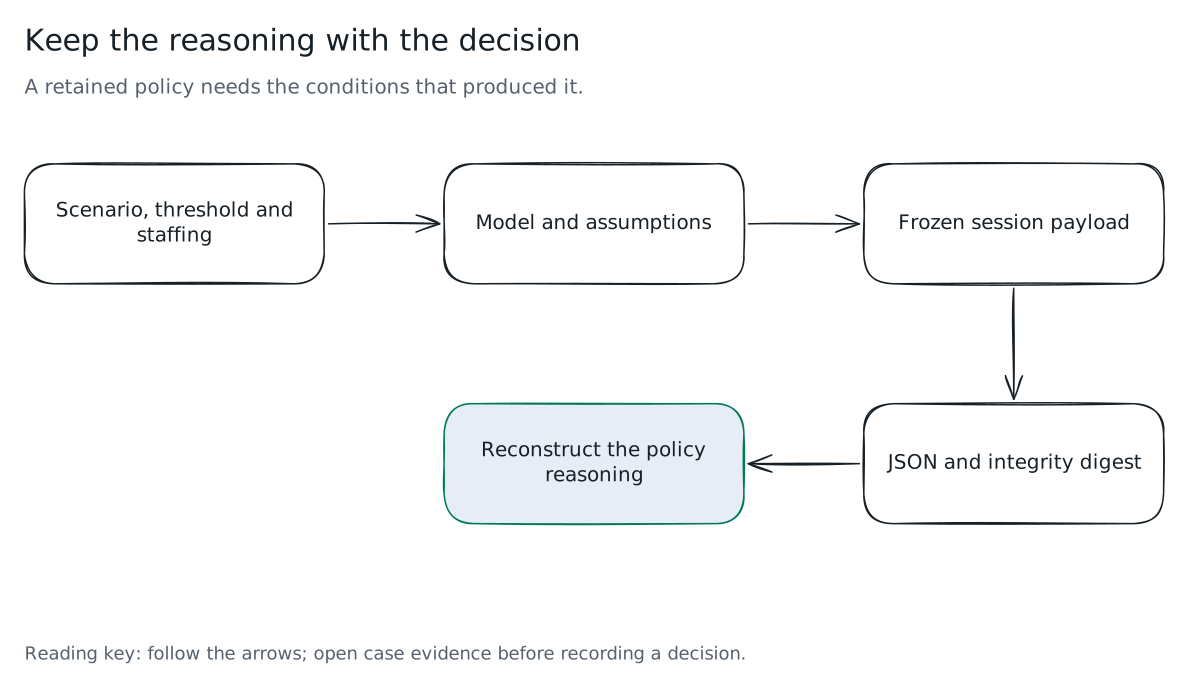
Keep the reasoning with the decision
A retained policy needs the conditions that produced it.
Read the diagram as text
- Capture scenario, threshold and staffing
- Retain model version and complete assumptions
- Freeze the payload
- Export the payload and integrity digest
- The digest checks changed bytes, not external authorization
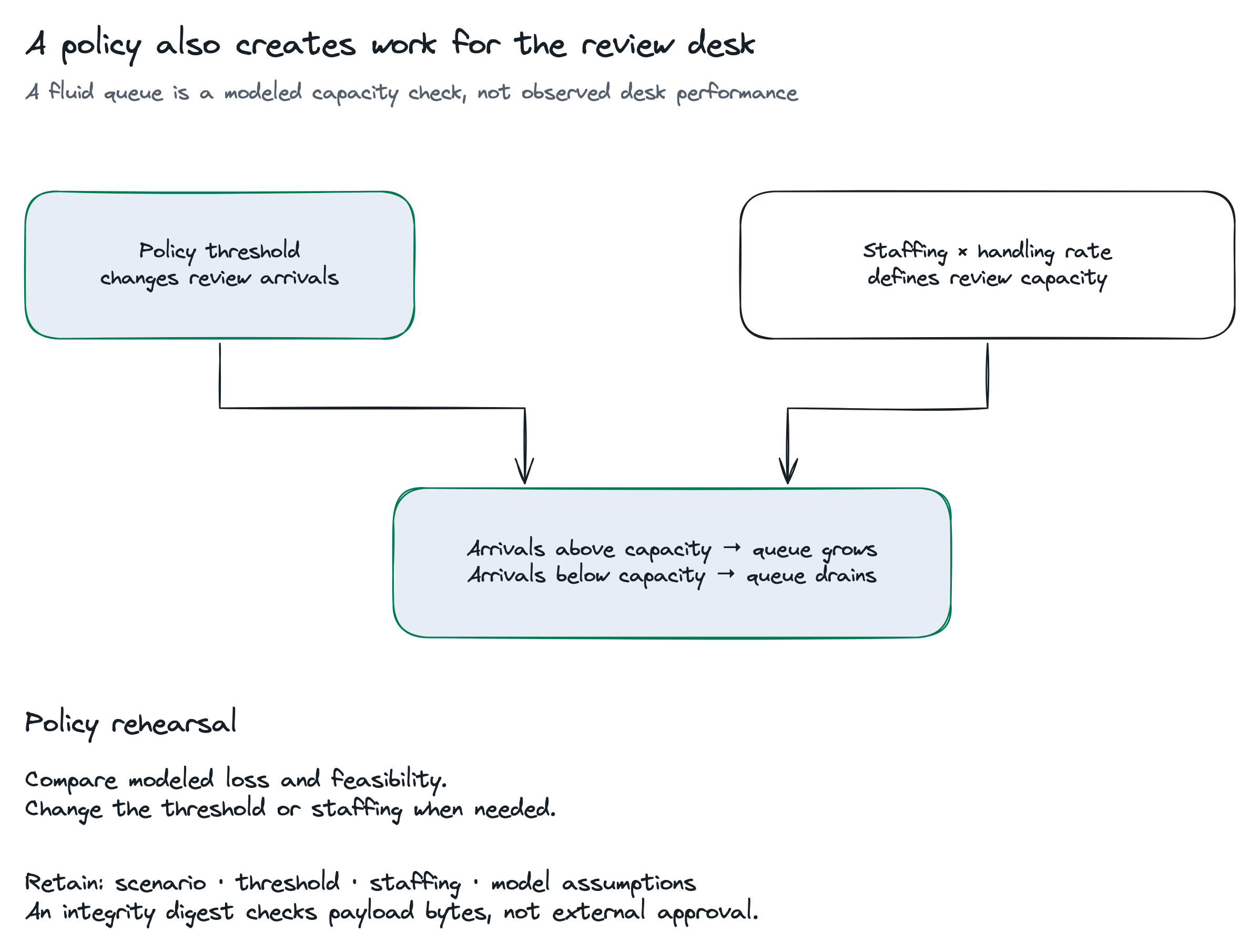
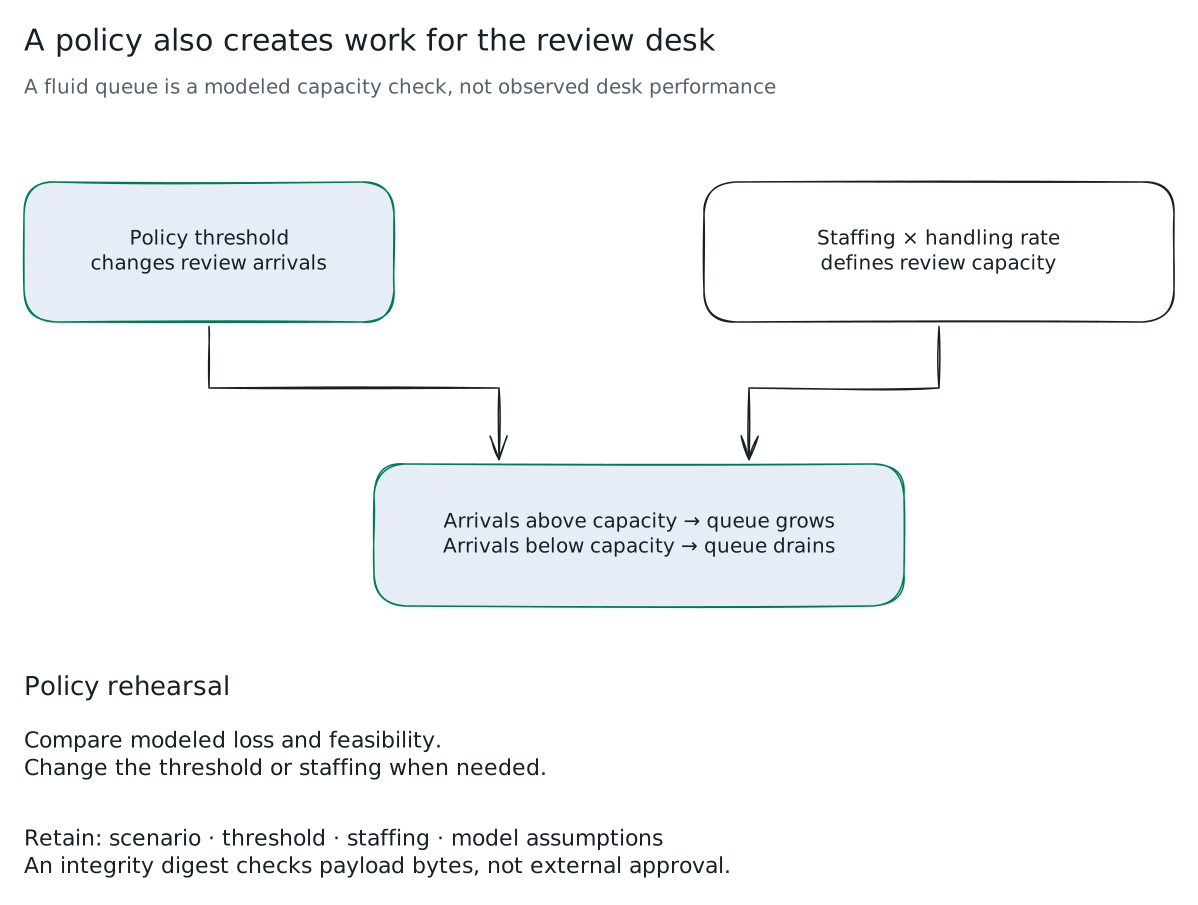
A policy also creates work for the review desk
A fluid queue is a modeled capacity check, not observed desk performance
Read the diagram as text
- Policy threshold
changes review arrivals - Staffing × handling rate
defines review capacity - Arrivals above capacity → queue grows
Arrivals below capacity → queue drains - Policy rehearsal
- Compare modeled loss and feasibility.
Change the threshold or staffing when needed. - Retain: scenario · threshold · staffing · model assumptions
An integrity digest checks payload bytes, not external approval.