Tail Mass / design diagrams
Decision flows, supporting boards and model evidence. All shapes, labels and connected arrows are editable in the native Excalidraw files. Open a downloaded file in Excalidraw to revise it. SVG and PNG exports are ready to share.
Width changes the meaning of height
Density preserves bin mass when bin widths change.
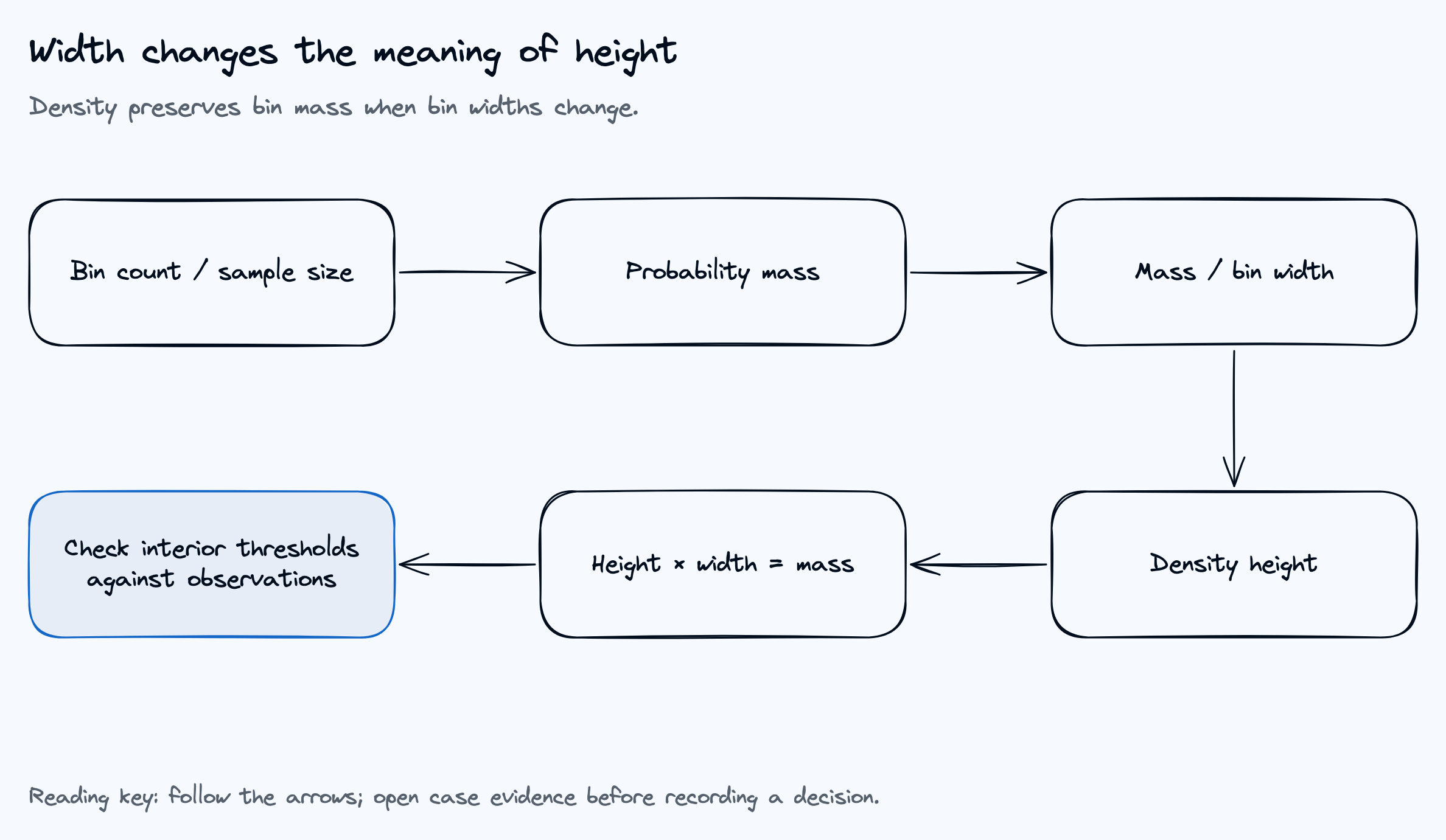
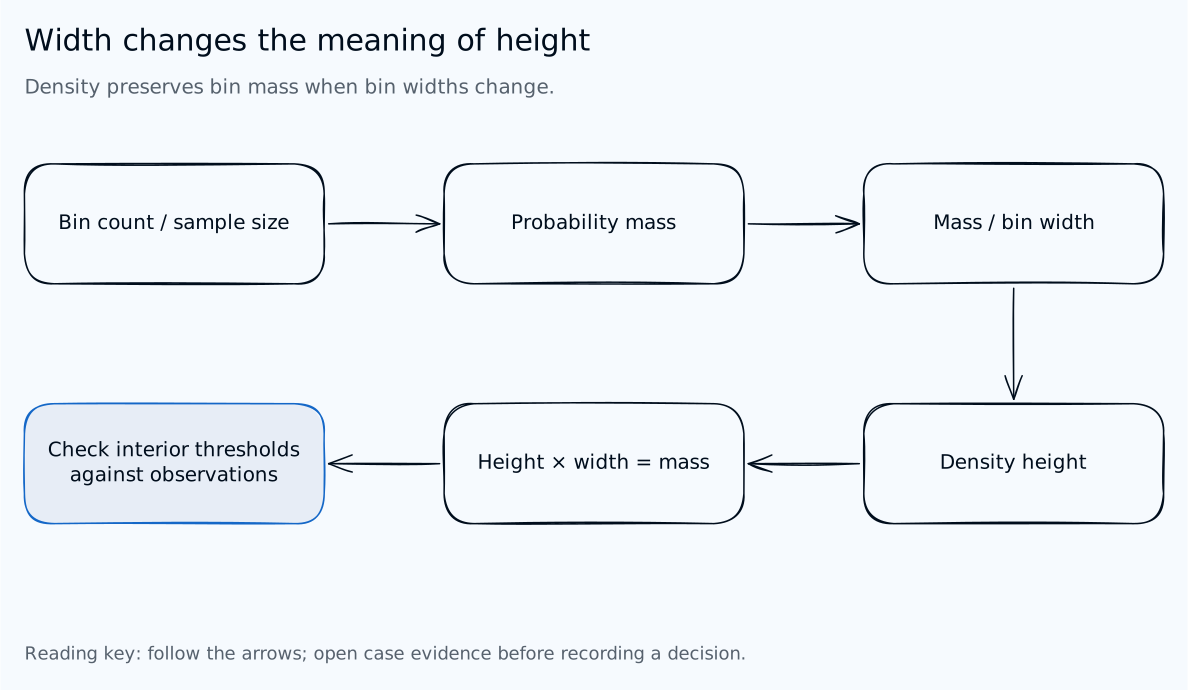
Read the diagram as text
- Count observations in a bin
- Count divided by sample size gives probability mass
- Divide mass by bin width for density height
- Height times width recovers the mass
- Inspect exact observations when a threshold cuts a bin
One history, two calculation paths
Risk summaries depend on observations; the visual diagnostic depends on the bins.
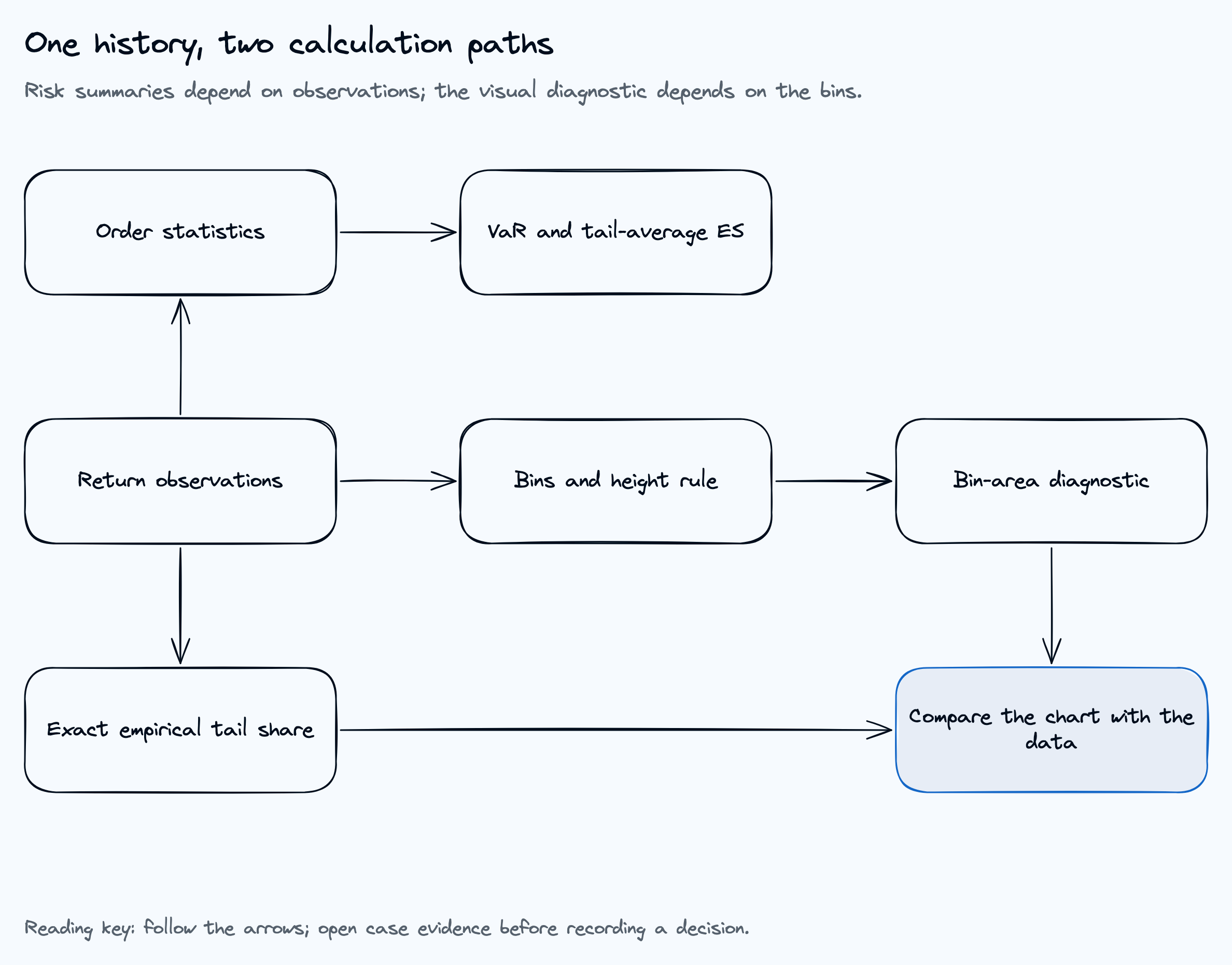
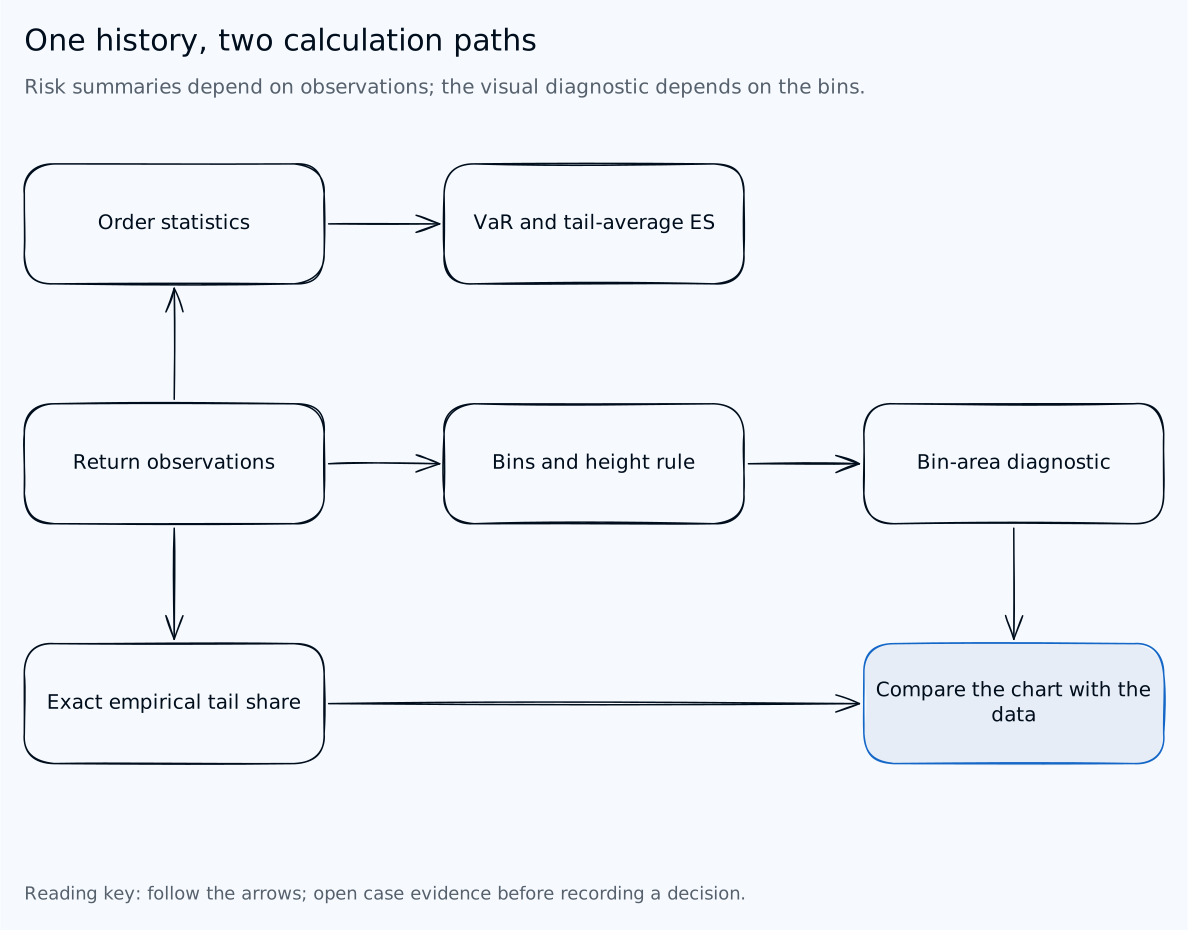
Read the diagram as text
- Sort observations for VaR and tail-average ES
- Choose bins for chart encoding
- Compare drawn bin area with observed bin mass
- Compare exact tail share with the histogram approximation
- Changing bins does not change the observation-based risk values
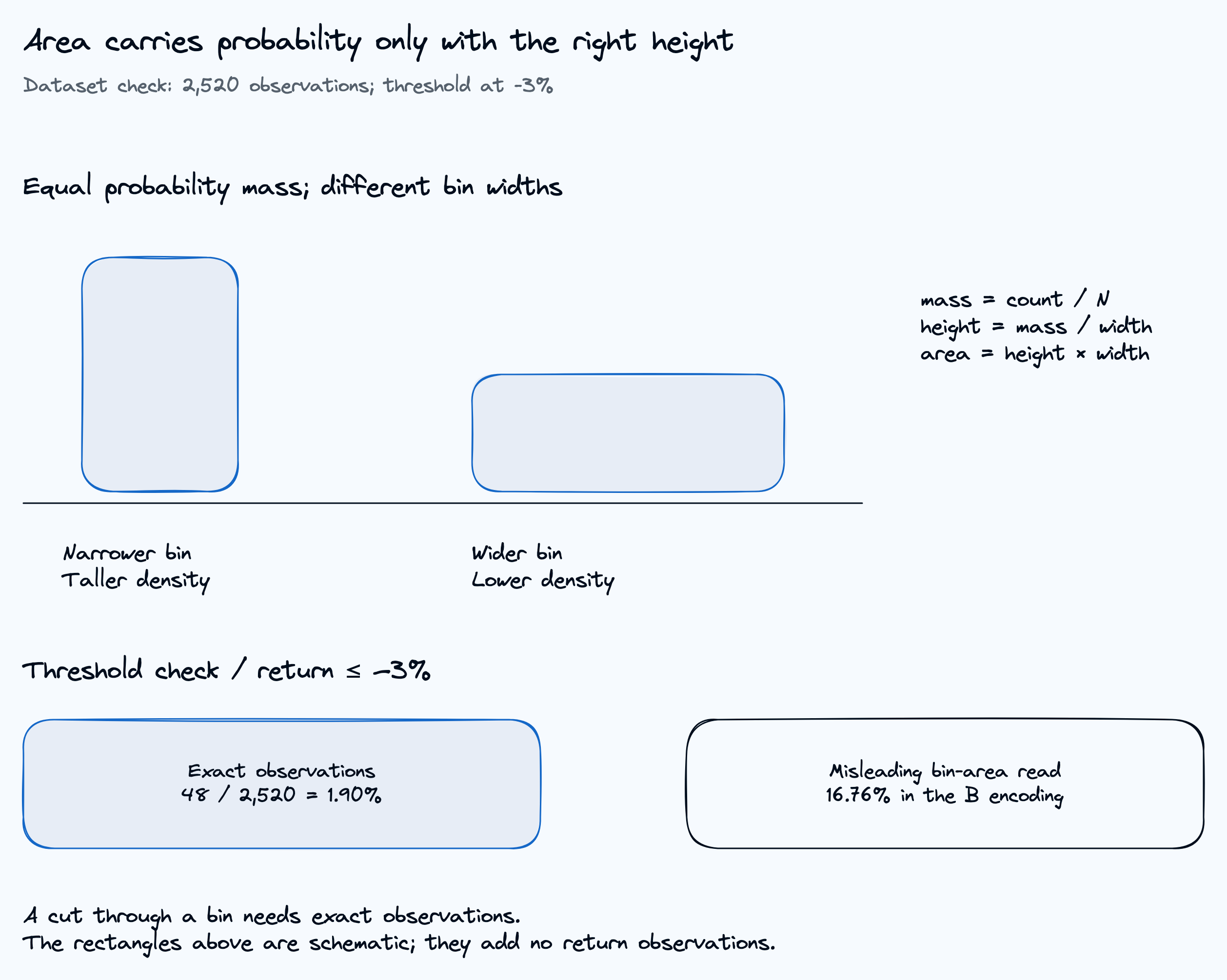
Area carries probability only with the right height
Dataset check: 2,520 observations; threshold at -3%
Read the diagram as text
- Equal probability mass; different bin widths
- mass = count / N
height = mass / width
area = height × width - Narrower bin
Taller density - Wider bin
Lower density - Threshold check / return ≤ −3%
- Exact observations
48 / 2,520 = 1.90% - Misleading bin-area read
16.76% in the B encoding - A cut through a bin needs exact observations.
The rectangles above are schematic; they add no return observations.